0171-4081962
98962-77713
0171-4081962
98962-77713
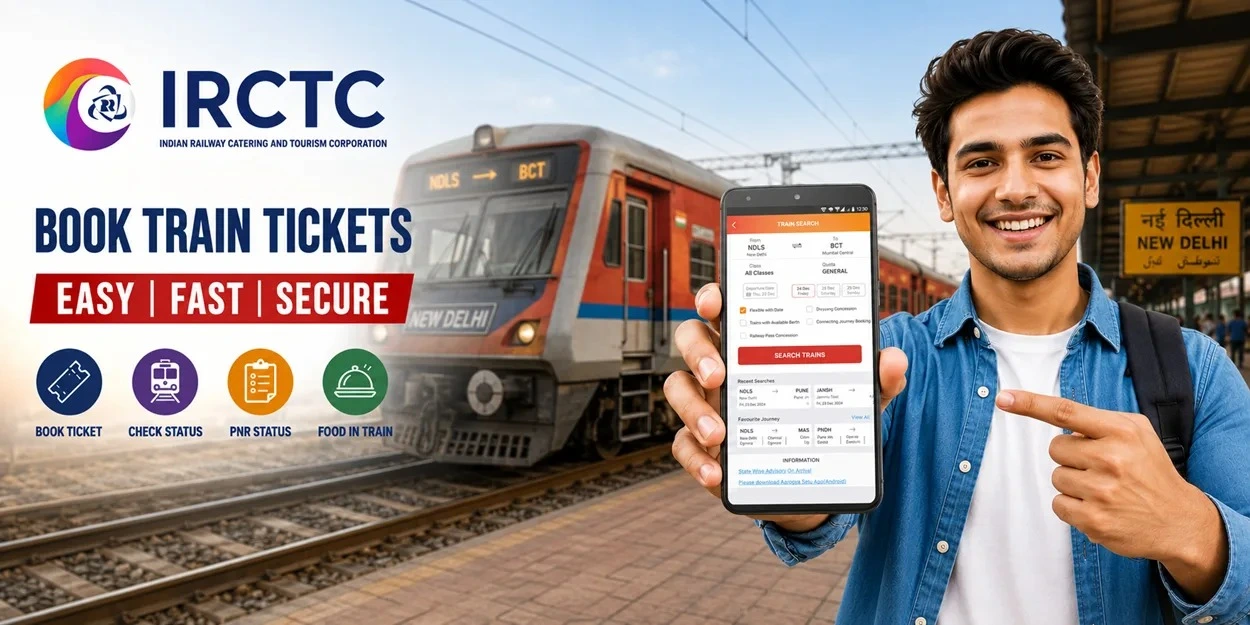
Train ticket booking has become much easier than ever before. According to the latest data shared by Indian Railways, around 89% of reserved train tickets are now booked online. This shows that most passengers prefer using the IRCTC website or the Rail Connect app instead of visiting railway reservation counters. Online booking saves time, offers secure payment options, and allows travellers to book tickets from anywhere.
If you are booking a railway ticket for the first time or want to understand the latest booking process, this guide explains everything in a simple and easy way.
Digital services have transformed the railway reservation experience. With the official IRCTC platform, passengers can search trains, check seat availability, compare fares, and complete bookings within minutes.
Some key benefits include:
Indian Railways has also strengthened online security by deactivating over 6.68 crore inactive user accounts to help reduce fraudulent ticket bookings and improve passenger safety.
Keep the following details ready before starting the booking process:
Creating a Master List of passengers in your IRCTC account can save time during future bookings.
Follow these simple steps to reserve your railway ticket.
Step 1: Visit the Official IRCTC Website or App
Open the official IRCTC website or download the IRCTC Rail Connect app from Google Play Store or Apple App Store. Sign in using your IRCTC User ID and password. New users must complete the registration process before booking.
Step 2: Enter Journey Details
On the home page, enter the following information:
Click Search Trains to view the available options.
Step 3: Select Your Train
Browse the list of trains available for your selected route. Before proceeding, check:
Choose the train that best matches your travel requirements.
Step 4: Fill Passenger Details
Click Book Now and enter passenger information such as:
If you have already created a Master List, simply select saved passengers to fill the details instantly.
Step 5: Review Booking Details
Carefully verify all entered information before making payment. Check:
Correct any mistakes before moving to the payment page.
Step 6: Complete Secure Payment
Choose your preferred payment option. Available payment methods include:
Complete the payment using the secure payment gateway.
Step 7: Receive Your E Ticket
Once payment is successful, your ticket is booked instantly. You will receive:
The ticket can also be viewed or downloaded anytime from the My Bookings section of your IRCTC account.
Many passengers prefer using the official mobile application because it offers a fast and convenient booking experience. The booking process is almost identical to the website:
The mobile app allows passengers to manage bookings, check ticket history, and access travel information anytime.
Booking Tatkal or high demand tickets requires quick action. These tips can help you save valuable time.
Booking a ticket is only one part of a comfortable journey. Many travellers also plan their meals in advance to avoid relying on pantry availability.
You can order food in train from authorised railway food delivery partners and enjoy fresh meals delivered directly to your seat at selected railway stations. This service offers a wide range of cuisines, including vegetarian meals, regional dishes, Jain food, snacks, and beverages, making train travel more comfortable for families, solo travellers, and senior citizens.
Here are some interesting facts every railway passenger should know:
Online train ticket booking has made railway travel more convenient for millions of passengers across India. Whether you use the official website or the Rail Connect app, the booking process is simple, secure, and can be completed within a few minutes. By following the steps shared above, you can book your journey confidently and avoid long reservation queues. For an even better travel experience, plan your meals in advance and order food in train from trusted railway food delivery services so that you can enjoy fresh food throughout your journey.
1. How can I book a train ticket online through IRCTC?
Visit the official IRCTC website or use the IRCTC Rail Connect app, log in to your account, search for trains, enter passenger details, complete the payment, and receive your e ticket instantly.
2. Is online train ticket booking safe?
Yes. IRCTC provides secure payment gateways and has implemented several security measures to protect passenger accounts and reduce fraudulent bookings.
3. What payment methods are available on IRCTC?
Passengers can pay using UPI, debit cards, credit cards, net banking, and the IRCTC eWallet.
4. What is the Master List feature in IRCTC?
The Master List allows users to save passenger details in advance, making future ticket bookings quicker and more convenient.
5. Where can I find my booked train ticket?
After successful booking, your e ticket and PNR number are available through SMS, email, and the My Bookings section of your IRCTC account or Rail Connect app.
For a new experience download
RAJBHOG KHANA app now