0171-4081962
98962-77713
0171-4081962
98962-77713
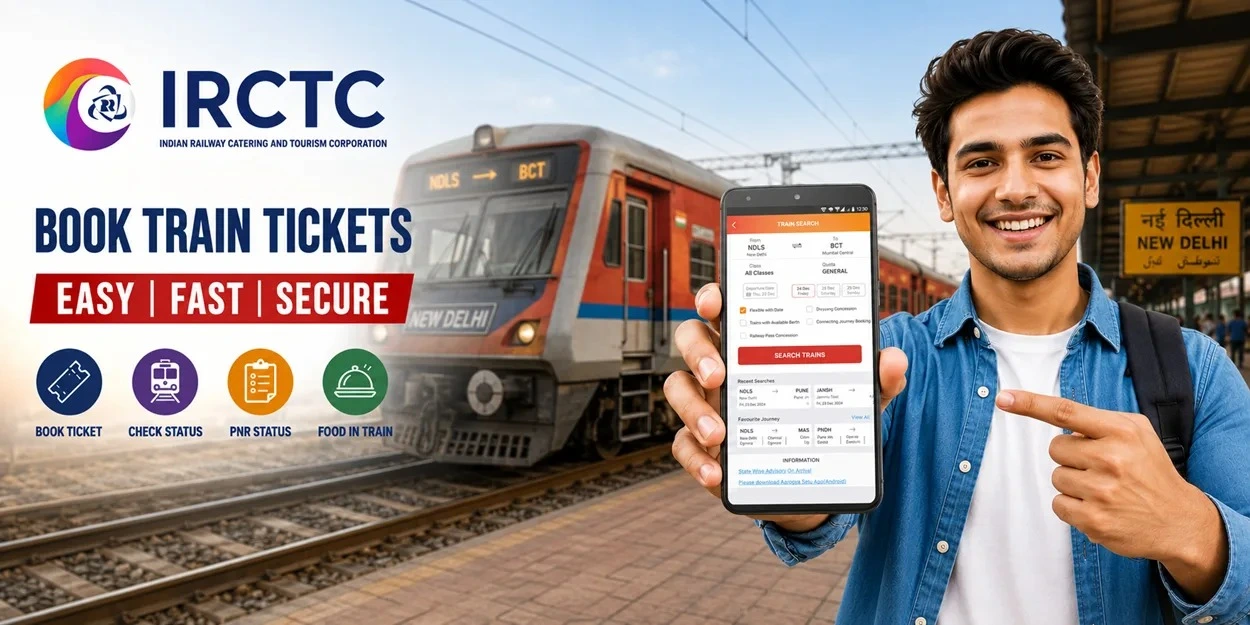
Getting a confirmed train ticket at the last minute can be difficult, especially on busy routes and during festivals, holidays or wedding seasons. Tatkal booking gives passengers an option to reserve a train ticket one day before the journey when regular tickets are no longer available.
However, Tatkal tickets are limited and can get booked quickly. Knowing the correct booking time, keeping passenger details ready and following the right steps can make the process much easier.
Tatkal is a railway reservation quota designed for passengers who need to make a train journey at short notice. Tickets under this quota are available on selected trains and in selected classes.
Tatkal tickets can be booked online through IRCTC and at railway reservation counters. An additional Tatkal charge is applicable over the regular fare.
The booking date is based on the train's departure from its originating station, not necessarily the station from where you will board the train.
For example, if a train starts from its originating station on 20 September, Tatkal booking for that train opens on 19 September.
The most important thing to remember is the opening time. Tatkal booking does not open at the same time for all classes.
| Train Class | Tatkal Booking Opens |
|---|---|
| AC Classes | 10:00 AM |
| Non AC Classes | 11:00 AM |
For AC classes, such as 2A, 3A, 3E, CC and EC, Tatkal booking starts at 10:00 AM.
For Non AC classes, including Sleeper Class and Second Sitting, booking starts at 11:00 AM.
The booking opens one day before the train's departure from its originating station, excluding the journey date.
Tatkal booking can be completed much more smoothly when you prepare everything beforehand. Avoid waiting until the booking window opens to enter basic information or complete account verification.
Keep the following ready:
It is also useful to keep passenger information saved in your IRCTC profile. This can reduce the amount of information you need to enter manually during the booking process.
Follow these steps to book your ticket online.
Step 1: Log in to Your IRCTC Account
Open the IRCTC website or IRCTC Rail Connect app and log in using your registered account.
Try to log in before the Tatkal booking time. If you are booking an AC ticket, be ready before 10:00 AM. For a Non AC ticket, be ready before 11:00 AM.
Make sure your Aadhaar authentication has already been completed.
Step 2: Enter Your Journey Details
Enter your source station, destination station and journey date.
Select the appropriate travel class and choose Tatkal under the quota option.
Then search for available trains.
It is a good idea to decide your preferred train before the booking window opens. If your first choice does not have Tatkal availability, having another train ready can save time.
Step 3: Select Your Train and Class
Check the available trains and select the one you want to travel on.
Depending on the train, you may find different classes, such as:
Tatkal availability can vary by train, class and route. Therefore, a particular train may have Tatkal seats in one class but not another.
Step 4: Select the Tatkal Quota
Choose Tatkal from the available quota options and select your preferred class.
Check the availability shown on the screen before proceeding.
Remember that Tatkal seats are limited. Availability can change quickly, particularly on popular routes and during peak travel periods.
Step 5: Enter Passenger Details
Enter the details of each passenger carefully.
You may need to provide:
A maximum of four passengers can be booked under one Tatkal PNR.
If you have already saved passenger details in your IRCTC account, select the required passengers from your saved list where the option is available.
Check all details carefully before proceeding because correcting an error after booking may not always be possible.
Step 6: Check the Total Fare
Before payment, review the fare displayed by IRCTC.
Tatkal tickets include an additional Tatkal charge over the applicable basic fare. The charge depends on the class of travel.
The final amount can also include applicable reservation and payment related charges.
Take a moment to check the passenger details, train, class and total amount before making the payment.
Step 7: Complete the Payment
Select your preferred payment method and complete the transaction.
You can use the payment options available on IRCTC, such as UPI, cards, net banking and other supported methods. IRCTC also offers an eWallet facility that allows users to add money in advance for ticket bookings.
Keep your preferred payment option ready before the booking window opens. A backup payment option can also be useful if the first payment method does not work.
Step 8: Save Your PNR and Ticket Details
Once the payment is successful, your booking confirmation will be displayed.
Save your:
Your PNR is important for checking the latest status of your reservation.
There is no guaranteed way to secure a Tatkal ticket, but proper preparation can make the booking process quicker.
Log in Early
Do not wait until the opening time to log in. Keep your IRCTC account ready beforehand.
Complete Aadhaar Authentication
Make sure your IRCTC account meets the current Aadhaar authentication requirement before attempting a Tatkal booking.
Save Passenger Details
Adding frequent travellers to your IRCTC passenger list can save time during booking.
Decide Your Train in Advance
Keep your preferred train, class and an alternative option ready.
Keep Payment Ready
Choose your preferred payment method before starting the booking process and keep a backup option available.
Use a Stable Internet Connection
A stable internet connection can help prevent unnecessary interruptions during the booking process.
Check the Date Carefully
Tatkal booking is based on the train's originating station departure date. Do not assume that the booking date is calculated from your boarding station.
Tatkal cancellation rules are different from regular ticket cancellation rules.
Generally, no refund is provided for cancelling a confirmed Tatkal ticket. However, refunds may be available in certain situations covered by railway rules, such as specific cases involving train cancellation, significant delays, diversion or failure to provide the booked accommodation.
Passengers should check the applicable refund conditions before cancelling their ticket.
A Tatkal booking may sometimes result in a waiting list instead of a confirmed seat or berth.
The PNR status can change before the final chart is prepared. Therefore, passengers should check their PNR status regularly before travelling.
If an e-ticket remains fully waitlisted after chart preparation, it is generally not valid for boarding the train. Such fully waitlisted e-tickets are handled according to the applicable railway refund rules.
Once your train ticket is confirmed, it is also worth planning your meals for the journey. Passengers travelling on long routes can use IRCTC food delivery in train services to order meals from available food providers and have them delivered at eligible railway stations during the journey.
Checking the available stations, food options and delivery details in advance can make your train journey more comfortable, especially when travelling with family or on a long distance route.
1. What time does Tatkal booking open for AC classes?
Tatkal booking for AC classes opens at 10:00 AM, one day before the train's departure from its originating station.
2. What time does Tatkal booking open for Non-AC classes?
Tatkal booking for Non-AC classes opens at 11:00 AM, one day before the train's departure from its originating station.
3. Is Aadhaar authentication required for Tatkal booking?
Yes. Aadhaar authentication is required for online Tatkal and Premium Tatkal booking as per the current IRCTC rules.
4. How many passengers can be booked on one Tatkal ticket?
A maximum of four passengers can be booked under one Tatkal PNR.
5. Is Tatkal available on every train?
No. Tatkal accommodation is available only on selected trains, classes and routes. Availability also depends on the quota allocated for a particular train and class.
6. Can I cancel a confirmed Tatkal ticket?
A confirmed Tatkal ticket generally does not qualify for a refund when cancelled. Certain exceptions may apply under railway refund rules.
7. How can I check my Tatkal PNR status?
You can check your PNR status through the official Indian Railways or IRCTC platforms. The status can show whether your ticket is confirmed, RAC or waitlisted.
8. What should I do if Tatkal seats are not available?
If Tatkal seats are unavailable on your preferred train, check another suitable train, class or route. You can also check whether seats become available later due to cancellations or changes in availability.

For a new experience download
RAJBHOG KHANA app now